What the 800G Ethernet ramp means for data-center design
Optics, not switch silicon, are the bottleneck now. A plain-English tour of the numbers behind the spec sheets.
Ethernet keeps doing the thing it has done since 10 Mbps: multiplying. 800 Gb/s ports are now shipping in volume for AI clusters, with 1.6 Tb/s already demoed. The switch silicon can move the bits; the engineering drama has moved to the optics: the pluggable modules that turn electrical lanes into light.
The lane math
An 800G port is really eight 100G lanes bundled together (the near future: four 200G lanes). Each speed bump per lane makes the transceiver run hotter and the tolerances tighter, which is why a single 800G optic can cost more than an entire home-lab rack and why data-center power budgets are increasingly spent on moving bits rather than computing them.
Distance divides the market: cheap direct-attach copper survives only a few metres for top-of-rack links, multimode fibre handles the row, and single-mode with coherent optics carries the long hauls between halls.
Why a learner should care about datacenter plumbing
Because the concepts scale down perfectly. A leaf-spine fabric moving 800G per link obeys the same switching rules you learn on a $30 desktop switch: MAC learning, trunking, loop prevention. The speeds get headlines; the fundamentals get you hired.
Why this matters if you’re learning networking: You will not configure 800G this year, but leaf-spine topology and the copper/fibre distance trade-offs show up in every modern infrastructure conversation and plenty of exam questions.
Keep reading
Related
-
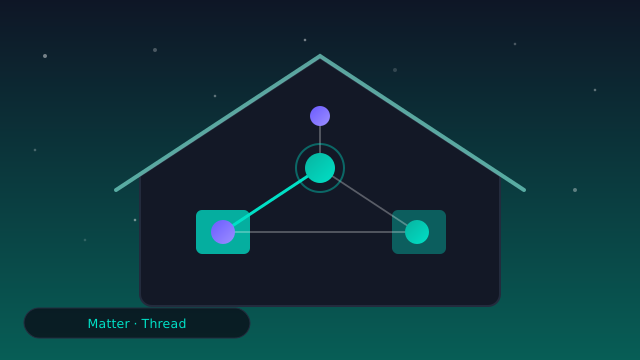
Matter and Thread: will the smart-home VLAN workaround retire?
IoT segmentation gets easier as devices speak a common, certifiable language. What Matter and Thread change for your guest-VLAN hack, and what they don't.
-
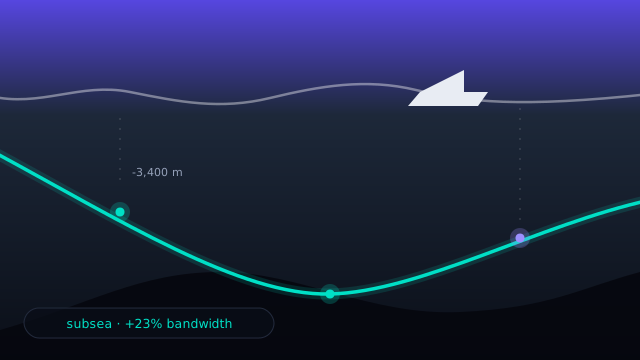
The physical internet: how submarine cables carry your packets
Your packets cross oceans on glass. A look at where the new cables land, who pays for them, and what happens when an anchor wins.
-
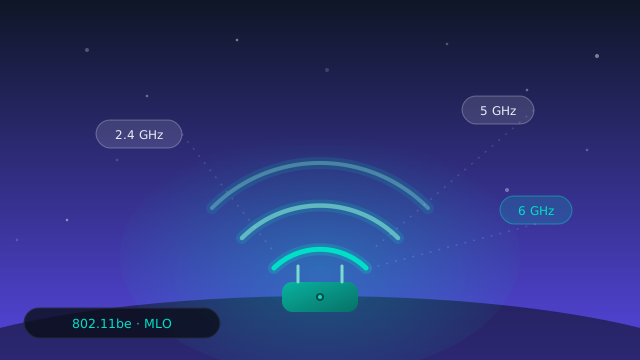
Wi-Fi 7 Multi-Link Operation (MLO): what it changes for your home lab
MLO is the headline feature of Wi-Fi 7. What actually changes for latency and for your packet captures, and what is still marketing or waiting for Wi-Fi 8.